
DMA Fusers Guide: How They Work, Setup & Passthrough 2025
Full guide to Suspect Fuser: HDMI/DisplayPort passthrough, zero latency, clean video routing for DMA setups. Works with 35t/75t cards – included in all bundles. Updated November 28, 2025.
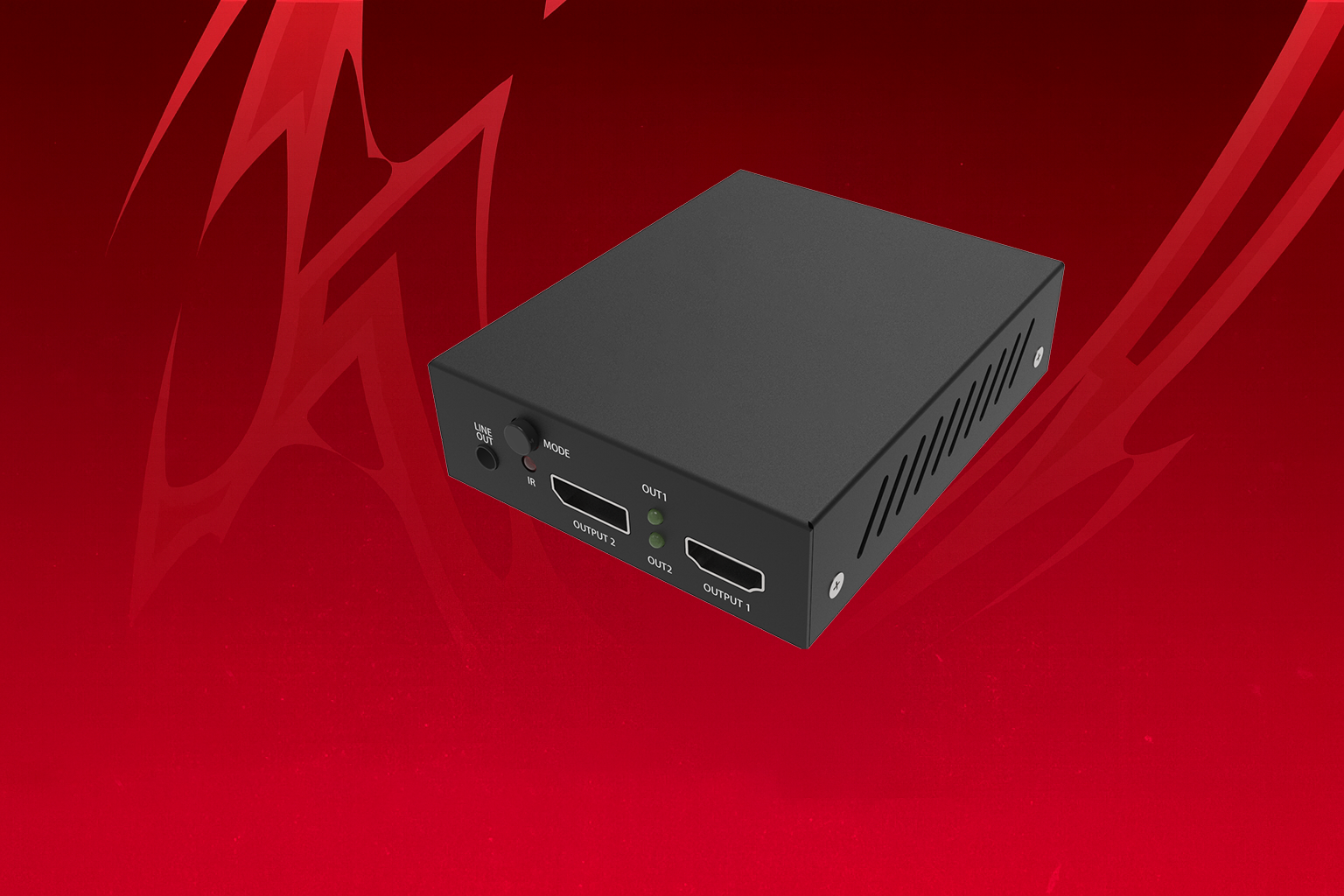
Suspect Fuser 2025 – HDMI & DisplayPort Passthrough Explained
- Suspect Fuser is a hardware video router that sits between your gaming PC and monitor – passes clean HDMI/DP signal while allowing DMA card access.
- Zero added latency, 4K 240Hz+ support, HDR passthrough – no visual difference vs direct connection.
- Included in every 35t & 75t DMA Bundle – essential for external DMA cheating.
How Suspect Fuser Works
Gaming PC (GPU) → [Suspect Fuser] → Monitor
                     ↑
               DMA Card (reads memory)
Key Features
- Full HDMI 2.1 & DisplayPort 1.4 passthrough
- Supports 4K 240Hz, 1440p 360Hz, 1080p 540Hz
- HDR10+, Dolby Vision, VRR (G-Sync/FreeSync) compatible
- No detectable input lag – used by pro players
- Plug & play – no drivers needed
Setup Instructions
- Connect GPU → Fuser IN
- Connect Fuser OUT → Monitor
- Connect Fuser USB → Second PC (for control)
- Power on – green LED = ready
- Run DMA software – video remains perfect
Bundle Inclusion
- 35t Bundle (309.99 GBP): Includes Suspect Fuser (DisplayPort version)
- 75t Bundle (319.99 GBP): Includes Suspect Fuser (DisplayPort version)
- HDMI version available on request
Verdict: Essential for DMA
Suspect Fuser is the cleanest, most reliable passthrough device available. No lag, no detection, perfect image quality – required for any serious DMA setup.
Suspect Fuser Guide – Frequently Asked Questions
1 Does Fuser add input lag?
No – zero measurable latency. Used in pro tournaments.
2 HDMI or DisplayPort?
Bundles include DisplayPort. HDMI available on request.
3 Does it support 360Hz+?
Yes – up to 540Hz at 1080p, full HDR & VRR passthrough.
4 Included in all bundles?
Yes – every 35t & 75t bundle includes Suspect Fuser.
5 Ready for clean video routing?
Get the full setup: 35t DMA Bundle